
Construction Inspection Software
Construction inspection software that replaces paper checklists with digital forms, AI-powered photo analysis, and professional PDF reports you can export from the field.
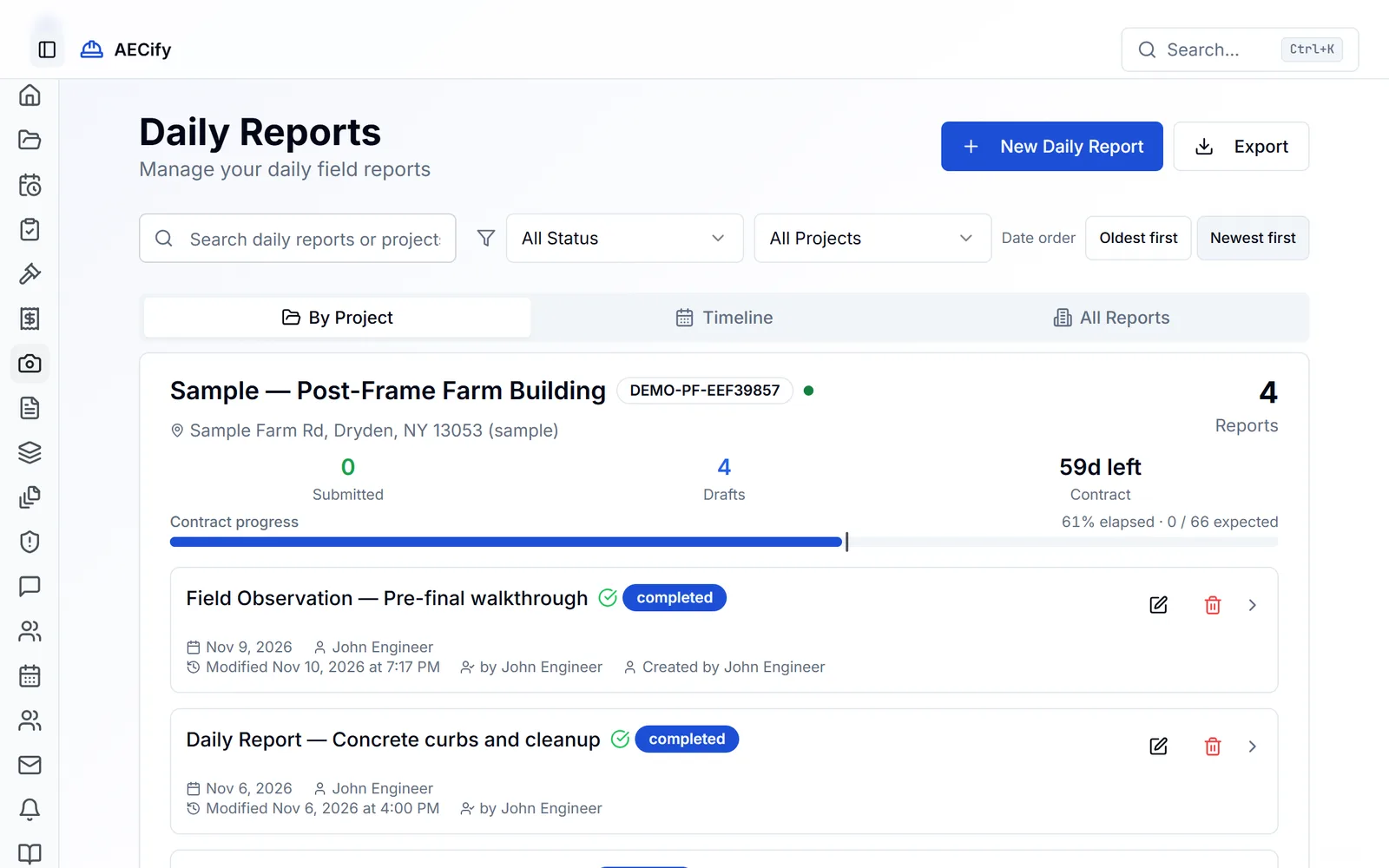
Why Small Contractors Choose AECify for Inspections
Field teams capture hundreds of photos and handwritten notes per project, then spend evenings transferring findings into Word documents and spreadsheets. Paper checklists get lost. Photos sit in camera rolls with no context. Signature collection means chasing people down on-site. And when internet drops — which happens on most jobsites — the whole process stalls.
Small contractors need construction inspection software that works in real field conditions: offline access, fast photo capture with automatic metadata, reusable templates, and reports that generate themselves. AECify's construction inspection software was built for teams that don't have a dedicated QA department but still need defensible, professional inspection documentation for owners, regulators, and internal records.
How AECify's Inspection Software Works
Start by selecting or creating an inspection template — AECify's construction inspection software ships with common templates for concrete, framing, MEP, and safety, and you can customize them for your specific scope. Open the template on your phone or tablet, even without internet, and walk the jobsite.
As you inspect, check items off the list, add notes, and snap photos directly into the checklist. AECify's AI checks each photo against your project's specs and drawings and flags what doesn't match or needs a closer look on site, so you don't miss it in the field. GPS coordinates and timestamps are extracted automatically from every photo via EXIF metadata.
When you're done, tap 'Generate Report.' AECify compiles your checklist responses, photos, annotations, and findings into a polished PDF with your company branding, inspector details, and signature blocks. Share the report with the owner, architect, or building department directly from the app. Every inspection is saved to the project record for audit-ready history.
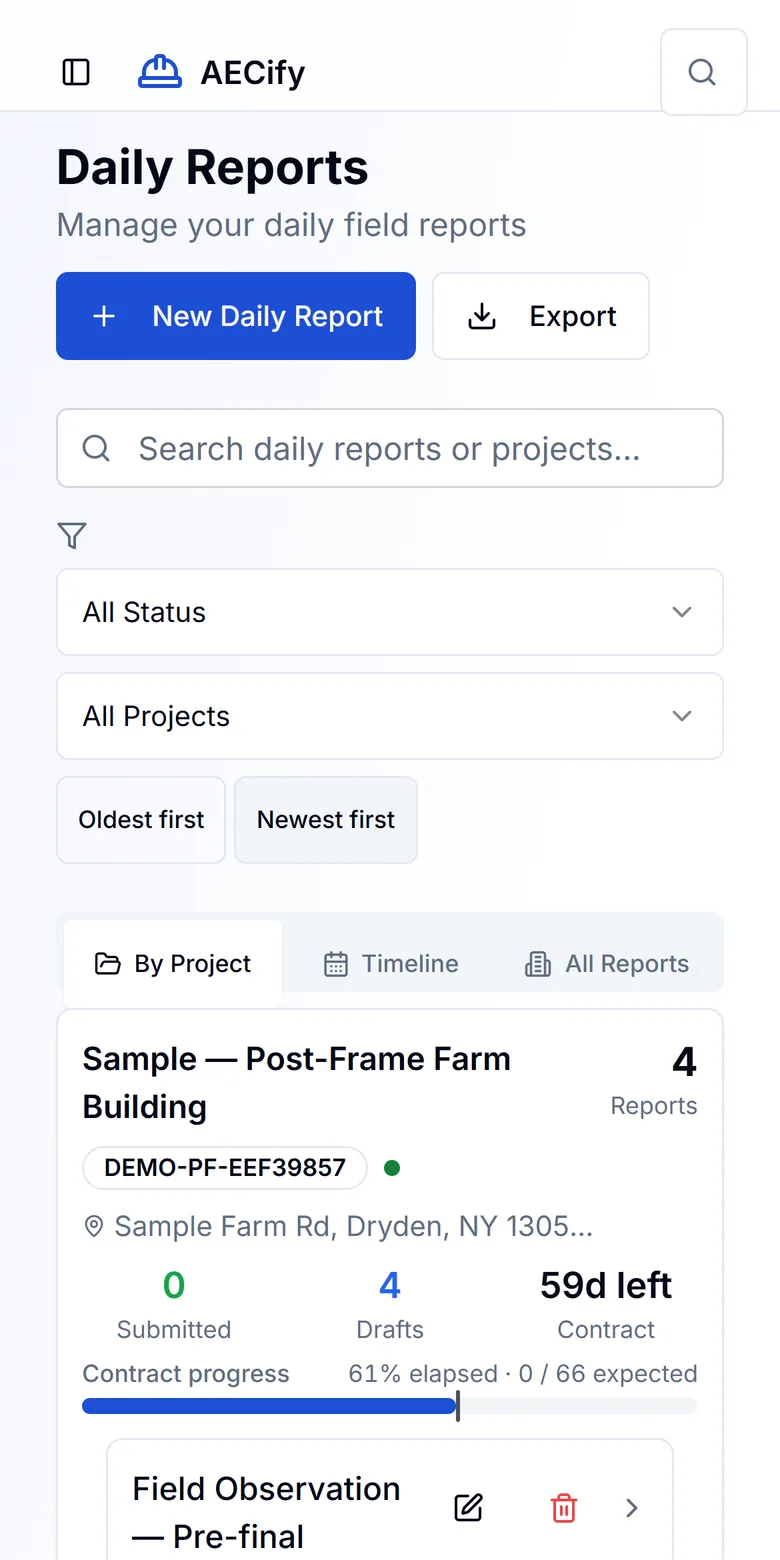
Key Features
Customizable inspection templates
Start from built-in templates for common inspection types or build your own. Templates are reusable across projects, so your team runs consistent inspections every time without re-creating forms from scratch.
AI-powered photo analysis
Upload jobsite photos and ArtI compares them with your project's specs and drawings, citing the requirement behind each finding. Each photo includes EXIF metadata — GPS coordinates, timestamps, and device info — for defensible documentation.
Offline-first mobile access
Field capture keeps working when the connection drops. Fill in your report and take photos on site; they are saved on your device and sync automatically when connectivity returns — no manual uploads. Signatures are collected once you are back online.
Professional PDF report generation
Generate branded inspection reports in PDF with one tap. Reports include photos, checklist results, findings, inspector details, and signature blocks — ready to share with owners, regulators, and internal QA.
Code compliance checking
An AI compliance assistant answers building code questions in real time, helping inspectors and engineers verify requirements on the spot without returning to the office to look them up.
Signature collection
Collect electronic signatures from inspectors, owners, and other stakeholders directly in the app. Signatures are embedded in generated reports for a complete, defensible record.
Built to Replace Paper Checklists and Manual Reports
Paper inspection forms get lost, damaged, or filed away where nobody can find them. Manual report generation in Word or Excel takes hours per inspection and introduces formatting inconsistencies. Photo management in camera rolls means no connection between an image and the finding it documents.
AECify's construction inspection software replaces this entire workflow with a single app. Every checklist, photo, note, and signature is captured digitally, connected to the project, and exportable as a professional report. For teams moving off paper or off disconnected tools like Google Forms and Dropbox, AECify eliminates the manual handoff between field capture and office documentation.
Frequently Asked Questions
Can I use AECify for inspections without internet?
What types of inspections does AECify support?
Does the AI photo analysis replace a human inspector?
Can I brand inspection reports with my company logo?
How does AECify handle photo metadata?
Can I export inspection reports as PDF with an audit trail?
Does the inspection software work offline?
Can enterprise or larger teams use AECify for inspections?

Get Started
Start your free trial — no credit card required. Keep your team aligned from bid to closeout.